5. Preparing the VMware Ubuntu Virtual Machine.
5.1. Download VMware Workstation Player.
The software can be downloaded from this link. Follow the instructions to set up the application on your computer.
5.2. Installing Ubuntu 24.04.01 LTS as a virtual machine.
Note
It is mandatory to install Ubuntu 24.04.01 LTS version. Use this link to download it http://ftp.rediris.es/sites/releases.ubuntu.com/noble
The first step is to download Ubuntu. You will download an ISO image with this Linux operating System. Run WMware player and install Ubuntu using the VMWare player instructions. Select the Typical configuration and reserve at least 100G/150G for the hard disk. In the hardware configuration select 8GByte of RAM, if possible 4 processors, and the USB 3.1 support. The installation time will be half an hour, more or less, depending on your computer. Moving a virtual machine from one computer to another is a time-consuming task; therefore, take this into account to minimize the development time.
5.3. Installing synaptic
If you need to install software packages, you can do it using the linux terminal command apt-get. Another alternative process is the use of the synaptic utility. In order to use it, you need to install it using this command:
$ sudo apt-get install synaptic
Once installed, you can search and execute the synaptic program. When you click two times over the package, it will show all the dependent packages that would be installed (see Fig. 5.1).
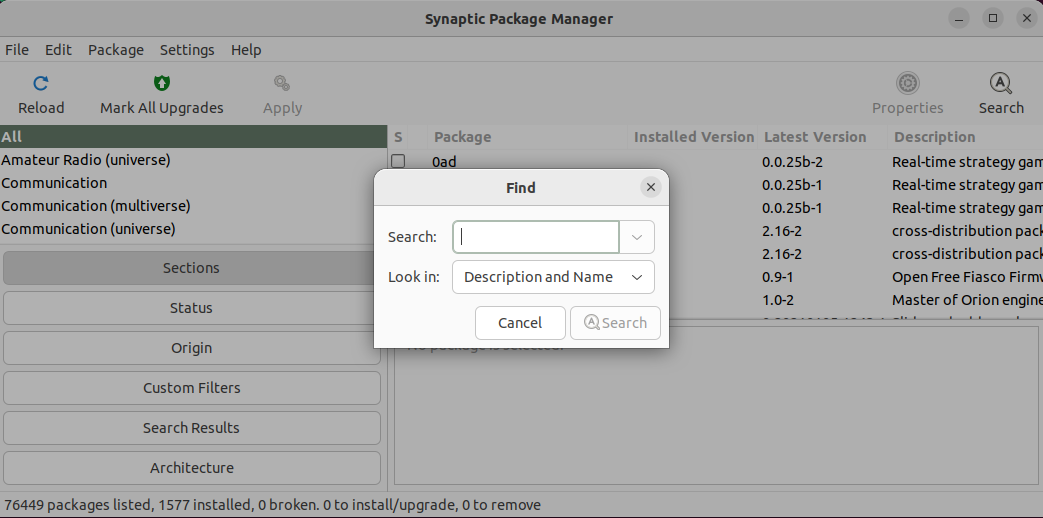
Fig. 5.1 Synaptic window
5.4. Installing putty
You need to execute:
sudo apt-get install putty
5.5. Installing packages for supporting Buildroot.
Using buildroot requires some software packages that have to be installed in the VM. These are listed in this link http://buildroot.uclibc.org/downloads/manual/manual.html#requirement. You need to install at least:
build-essential
git
libncurses-dev
5.6. Installing packages supporting Eclipse
Follow the instructions of this link to install Eclipse. Use the Eclipse C/C++ or the Eclipse for Embedded C/C++ developers.